Why Use a Virtual Number for WhatsApp?
Every time you create a WhatsApp account, you hand over your personal phone number permanently. WhatsApp stores it, links your account to it, and there's no way to change it without creating a new account. For many users — especially those creating business accounts, managing multiple accounts, or protecting their privacy — this is a problem worth solving.
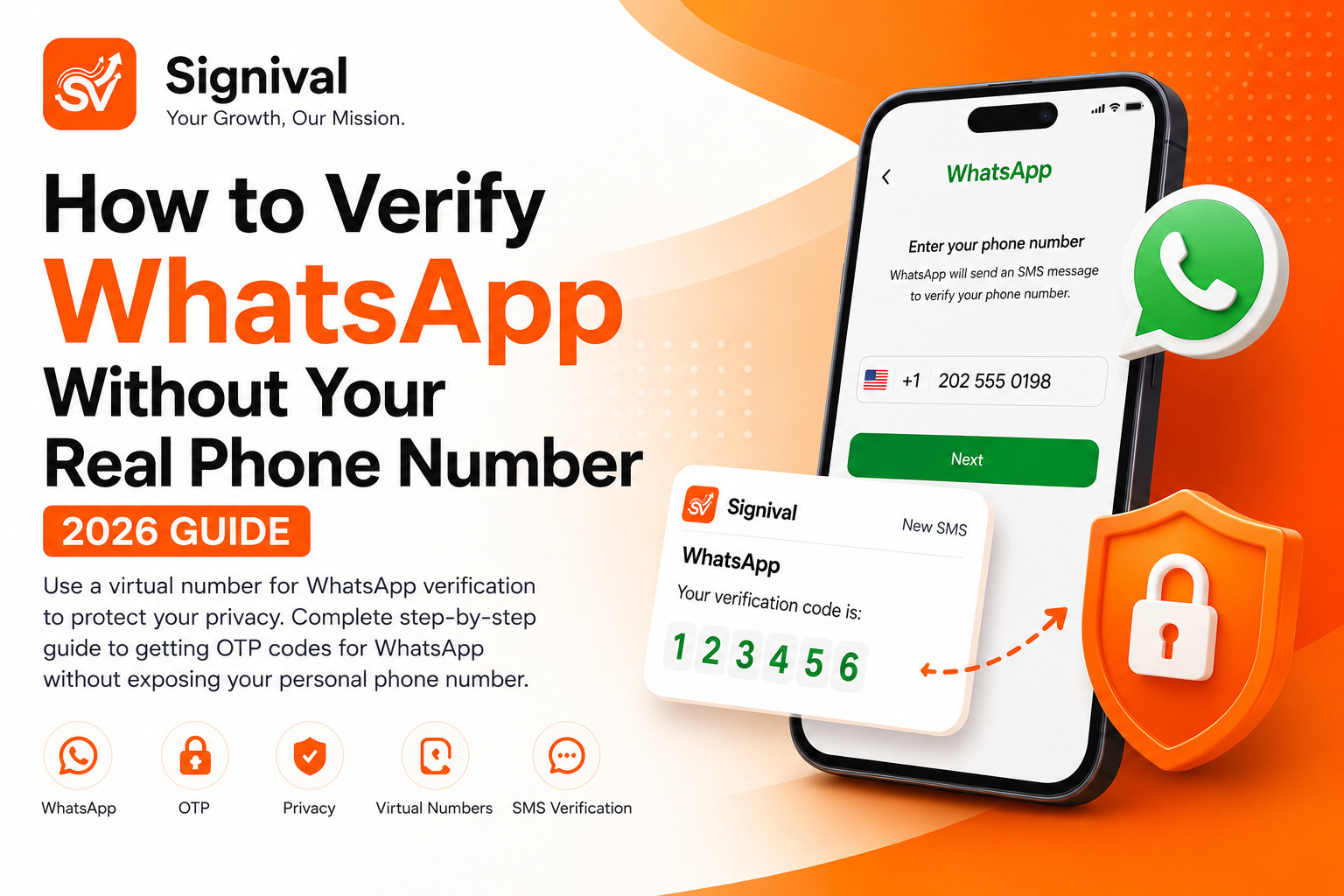
A virtual phone number lets you complete WhatsApp's SMS verification without using your real number. The OTP code arrives in your Signival dashboard instead of your personal phone, you enter it into WhatsApp, and you're verified. Your real number never appears anywhere in WhatsApp's records.
The most common reasons people use virtual numbers for WhatsApp:
- Creating a WhatsApp Business account separate from their personal account
- Managing multiple WhatsApp accounts for different projects, brands, or clients
- Privacy — keeping their personal number off any platform's database
- Accessing WhatsApp in regions where their country's numbers aren't accepted
- Testing — developers building WhatsApp integrations need multiple accounts for QA
The Difference Between VoIP Numbers and Real Virtual Numbers
This is the most important thing to understand before choosing a virtual number service. WhatsApp actively blocks VoIP numbers from receiving verification codes. VoIP (Voice over Internet Protocol) numbers are internet-based phone numbers that WhatsApp has identified and blacklisted because they're commonly used for spam account creation.
Signival's virtual numbers are not VoIP numbers. They are sourced from real mobile operators in countries like the United States, United Kingdom, Germany, Canada, and 50+ others. To WhatsApp's verification system, they are indistinguishable from a standard physical SIM card. This is why our success rate is significantly higher than services using VoIP or shared number pools.
Step-by-Step: How to Verify WhatsApp with a Virtual Number
- Create or log into your Signival account at signival.com. If you're new, registration takes under 60 seconds.
- Add funds to your wallet. Virtual number prices vary by country — US and UK numbers for WhatsApp typically cost more than numbers from Eastern Europe or Asia. Check the pricing page for current rates.
- Navigate to SMS Verification in your Signival dashboard. Use the search bar to find "WhatsApp".
- Select your preferred country. For the highest success rate, start with a US or UK number. If WhatsApp says the number is invalid or already registered, switch to a different country.
- Copy the virtual number shown in your dashboard. Do not close the dashboard tab — you need it open to receive the OTP.
- Open WhatsApp on your phone (or WhatsApp Web). On the registration screen, enter the virtual number including the country code. For a US number, this is +1 followed by the 10-digit number.
- Request the SMS code. WhatsApp will attempt to send an SMS to the virtual number. In most cases, the OTP arrives in your Signival dashboard within 10–30 seconds.
- Enter the 6-digit code in WhatsApp to complete verification. Your account is now registered and your real number was never involved.
What to Do if the OTP Doesn't Arrive
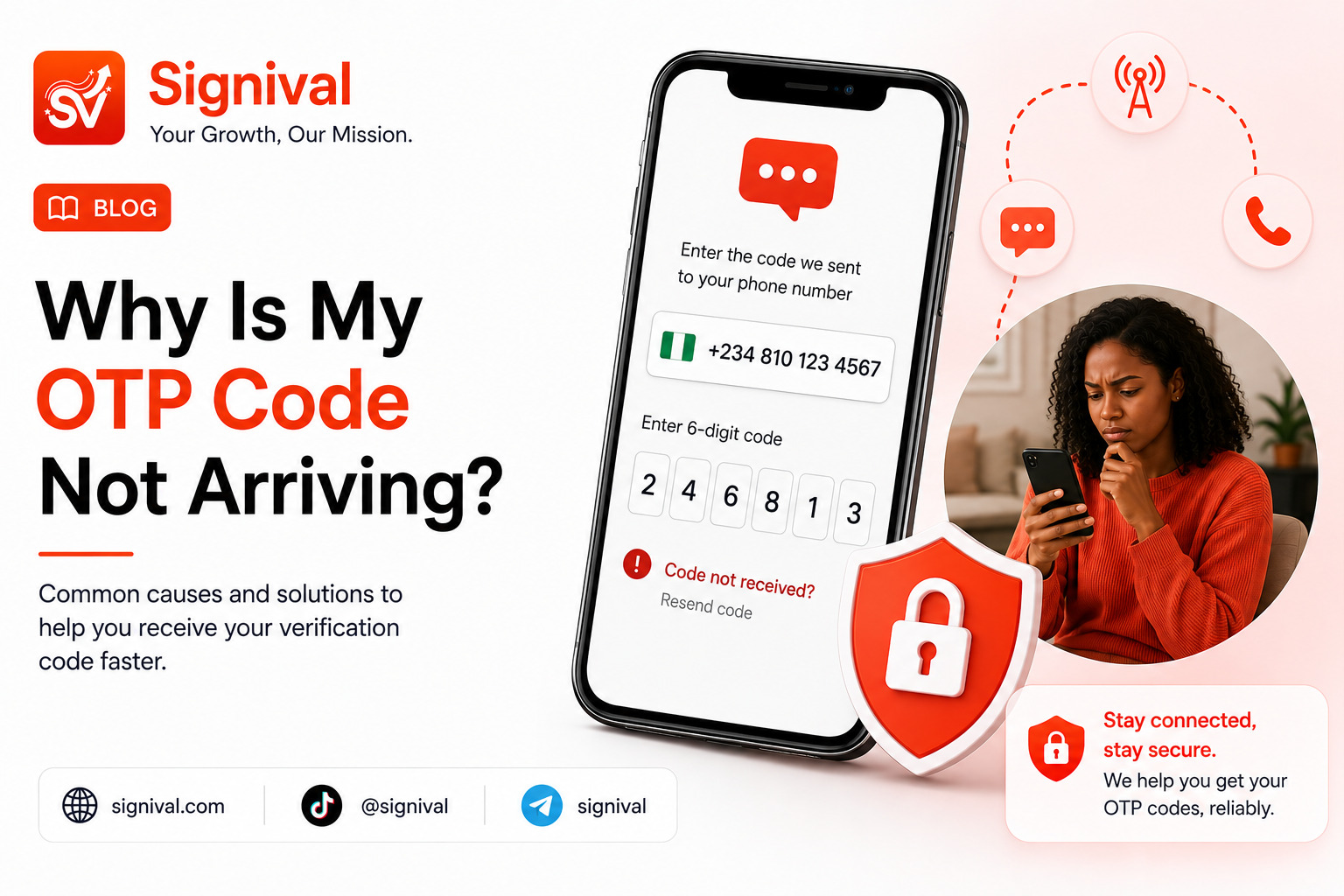
If the code doesn't appear in your Signival dashboard within 5 minutes, here's the troubleshooting process:
- Wait up to 5 minutes before taking action — delivery can occasionally take longer during high-traffic periods.
- Try the "Call me" option in WhatsApp. This asks WhatsApp to deliver the code via voice call instead of SMS. Signival's platform also supports voice delivery for most numbers.
- Cancel and request a new number from a different country. Some operator-specific issues can block delivery from certain countries. Switching usually resolves it — and Signival will issue a full refund for the unused number.
- Check that you copied the number correctly — a missing digit or wrong country code is the most common user error.
Using Virtual Numbers for Other Messaging Apps
The same process works for virtually every messaging and social platform that uses SMS verification. Beyond WhatsApp, Signival supports OTP verification for Telegram, Signal, Viber, WeChat, Line, Instagram, TikTok, Facebook, Twitter/X, Google, Microsoft, Apple ID, Amazon, PayPal, Discord, and 100+ more services.
Each platform has slightly different verification behaviour. Telegram is generally the easiest and fastest — codes arrive within 15 seconds. Google verification has the strictest number requirements and benefits most from US or UK operator-grade numbers. The pricing page lets you filter by platform to see which countries are available and their current rates.
Privacy Benefits Beyond WhatsApp
Using virtual numbers for platform verification is increasingly seen as basic digital hygiene rather than a niche privacy measure. When you give a platform your real number, that number becomes a permanent identifier that:
- Gets stored in the company's database and may be shared with advertisers
- Can be used to cross-reference your activity across platforms
- Becomes part of data breach exposure if the company's database is compromised
- Can be used for SMS marketing without meaningful ability to opt out
A virtual number that expires after use leaves none of this exposure. It's a single-use verification tool that disappears after the job is done.